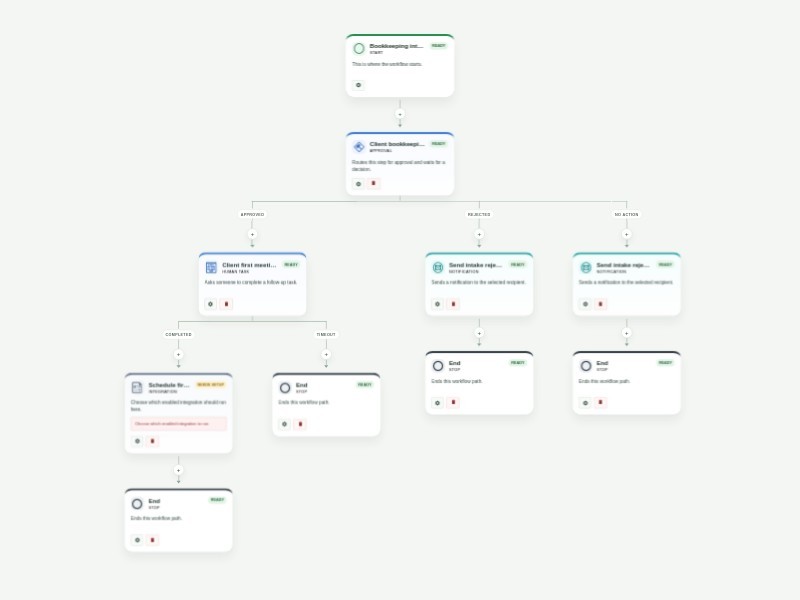
Use Template Preview Bookkeeping Workflow Template Collect bookkeeping client intake details and route new requests through a structured approval and first-meeting process. The form captures contact information, business details, service needs, accounting software, transaction volume, records availability, and the people responsible for review. Approved requests create a client-first-meeting task and continue to a configurable Google Calendar step. Rejected or expired reviews notify the requester. Customize approvers, task instructions, calendar configuration, and notification content for your bookkeeping practice.
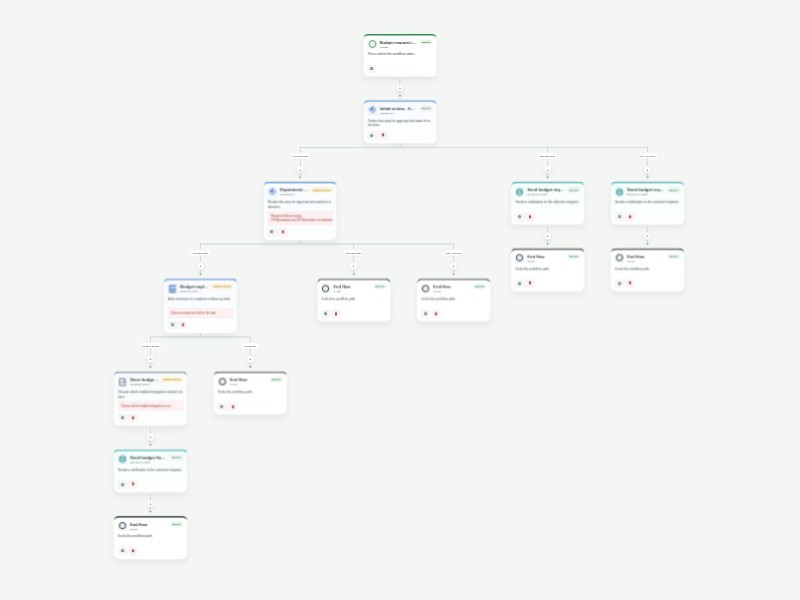
Use Template Preview Budget Approval Process Workflow Template Streamline budget requests with a consistent finance and executive review process. The form captures the department, budget period, planned spending, total requested budget, and requester authorization needed to evaluate each proposal. Finance completes the initial review before the request moves to department and executive review. Approved requests move to a finance implementation and monitoring task, then to a configurable Dropbox documentation step and a final budget-flow report. Requests declined during the initial review receive an update; requests declined during executive review end without further action. Customize reviewer and task recipients, review timing, report content, and Dropbox configuration for your organization. Workflow history provides a clear record of each budget decision.
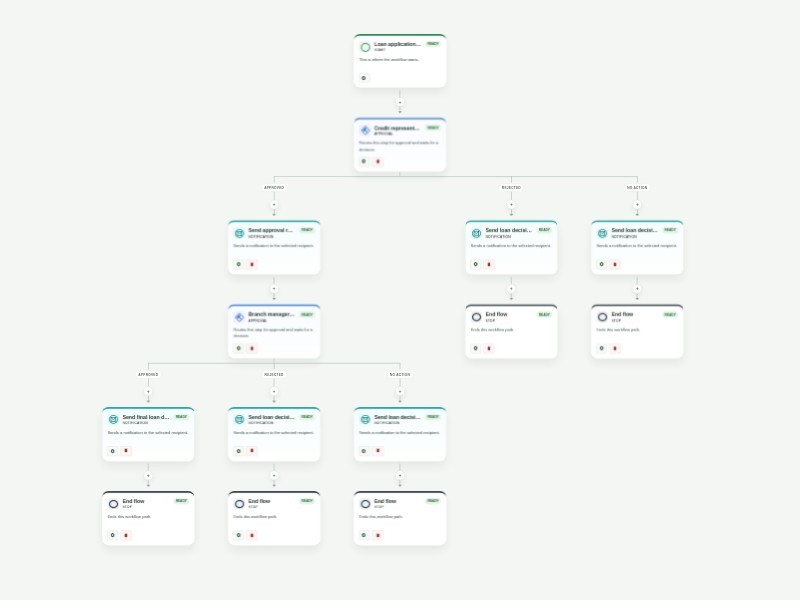
Use Template Preview Business Loan Pre-Approval Process Template Streamline business loan pre-approval with a structured application and a clear two-stage review. The form captures applicant contact details, business and project information, financial background, requested loan details, supporting documents, and authorization for review. Applications first go to a credit representative. Approved applications are forwarded to a branch manager for the final decision, while declined applications receive a decision email. The final outcome is sent to the applicant automatically. Customize the reviewer addresses, approval timing, notification copy, and required application fields for your lending process. Workflow history keeps each decision visible and auditable.
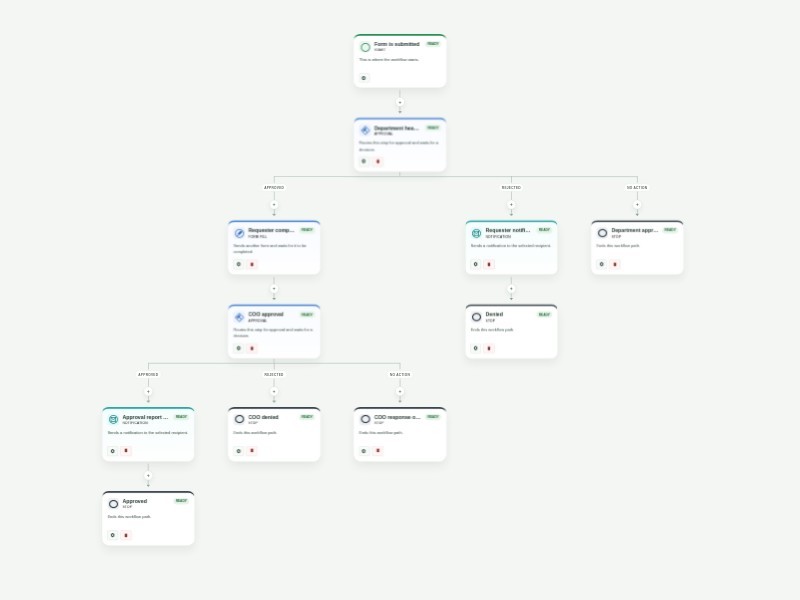
Use Template Preview Purchase Order Approval Template Keep purchase order requests moving with a clear, repeatable approval process. This template collects office supply requests, routes them through department and finance review, and gives each approver the context needed to make a confident decision. After the first review, the requester completes vendor, cost center, item, and delivery details in a linked purchase order form. The completed request then goes to final COO approval, while automatic updates keep the requester informed when a request is denied, overdue, or approved. Customize the approver email fields, request questions, approval timing, and notification messages to match your purchasing policy. Use the workflow activity history to see where each request is waiting and maintain an auditable record of every decision.
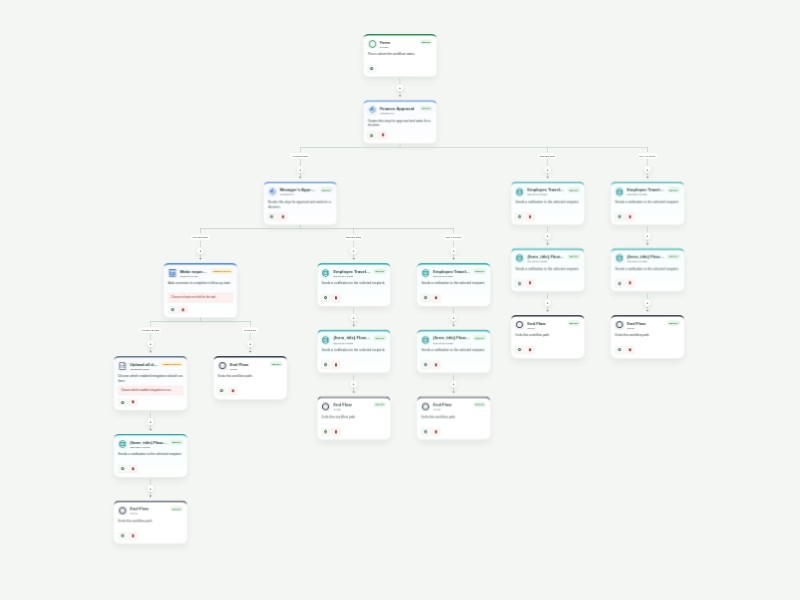
Use Template Preview Business Trip Approval Workflow Template Employees can request approval for business travel by providing their destination, travel dates, purpose, and expected expenses. Finance reviews each request first. Requests approved by finance move to manager review; requests declined at either stage trigger a decision email. After both approvals, an assigned staff member handles reservations and bookings. The workflow then reaches a configurable OneDrive document step and sends a final flow report. Configure reviewer addresses, the booking assignee, notification content, and OneDrive before using the workflow with live submissions. The form records the request details, estimated total, consent, and signatures.
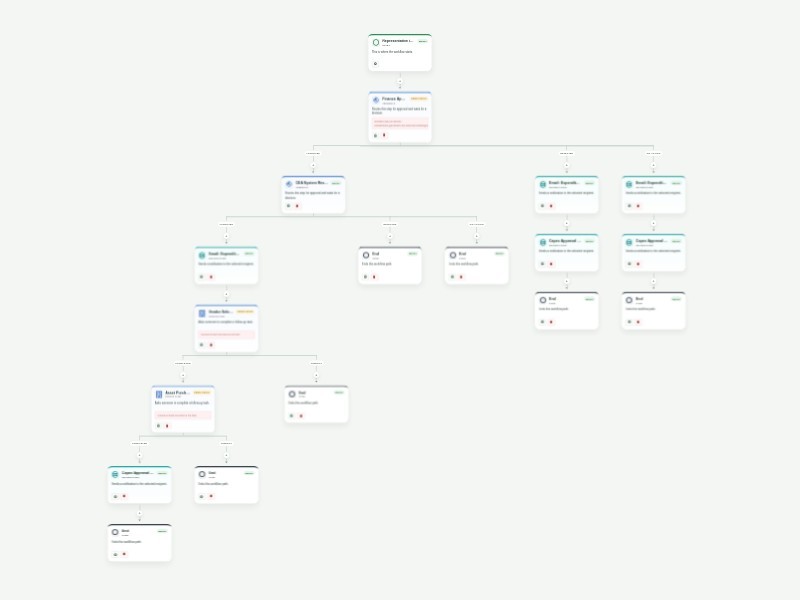
Use Template Preview Capex Approval Process Workflow Template The Capex Approval Process Workflow Template is designed to streamline and automate the approval process for capital expenditure (Capex) requests. This template ensures that every Capex proposal—whether for equipment, infrastructure, or large-scale investments—undergoes proper review and approval before being implemented. It's ideal for finance teams, department heads, and operations managers seeking to maintain tight control over spending and ensure compliance with budget policies. Using AbcSubmit Workflow Builder, you can collect Capex requests via customizable forms, automate the routing of proposals to the appropriate approvers, and track each request's status through real-time updates. Features like approval flows ensure that requests are reviewed by multiple stakeholders, while integrations with platforms like Slack, Google Drive, and QuickBooks help manage documents and track expenditures. Conditional logic can be employed to escalate high-value requests for senior-level approval. By leveraging these automations, businesses can ensure that their Capex approval process is transparent, compliant, and efficient, helping to safeguard financial resources and support smart investment decisions.
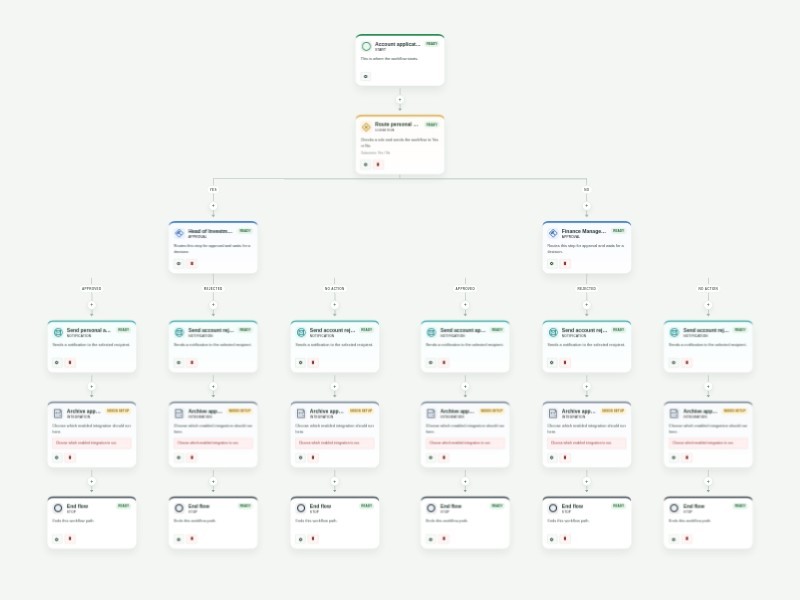
Use Template Preview Account Approval Workflow Template Review account-opening applications with a consistent approval path that is ready for financial institutions, membership organizations, and service businesses. The template collects applicant details, identification, account preferences, supporting documents, and the reviewers responsible for each decision. Personal account applications are routed to the Head of Investments and CFO, while all other account types are routed to the Finance Manager and CFO. Each approval requires a comment, and clear approval or rejection reports create an auditable decision record for the applicant and operations team. Customize the account types, approver email fields, review timing, report recipients, and Google Drive integration for your organization. Use the workflow history to identify applications awaiting review and keep account onboarding secure, timely, and consistent.
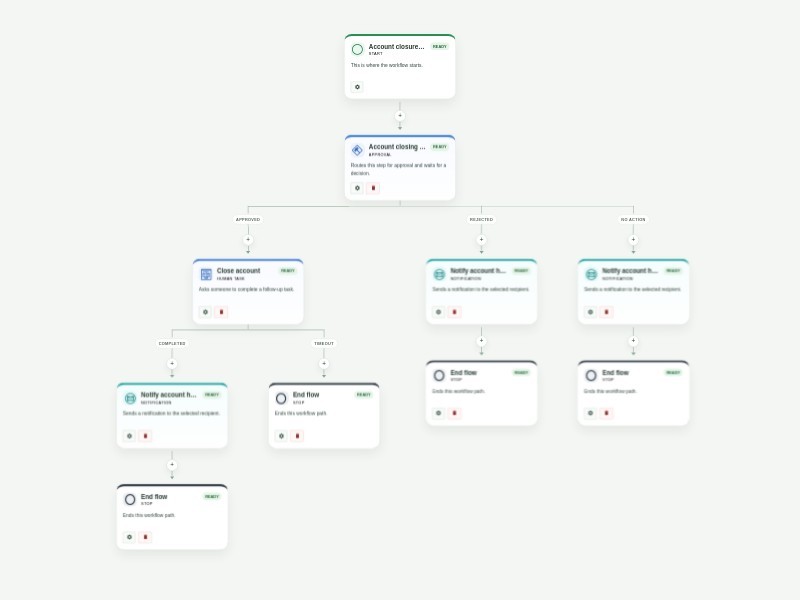
Use Template Preview Account Closing Approval Workflow Template Manage account closure requests with a clear, secure review process for banks, financial institutions, service businesses, and customer support teams. The form collects the account holder and account details, the requested closure date, supporting documentation, and authorization needed to evaluate the request. An account manager reviews each request. When it is approved, an account specialist receives a closure task and confirms the work before the account holder is notified. Rejected or expired reviews notify the requester without starting the closure task. Customize account types, approver and specialist recipients, review timing, and your organization’s required closure documentation. Workflow history provides a consistent record of each request and its outcome.